Tip Off: March Product Update
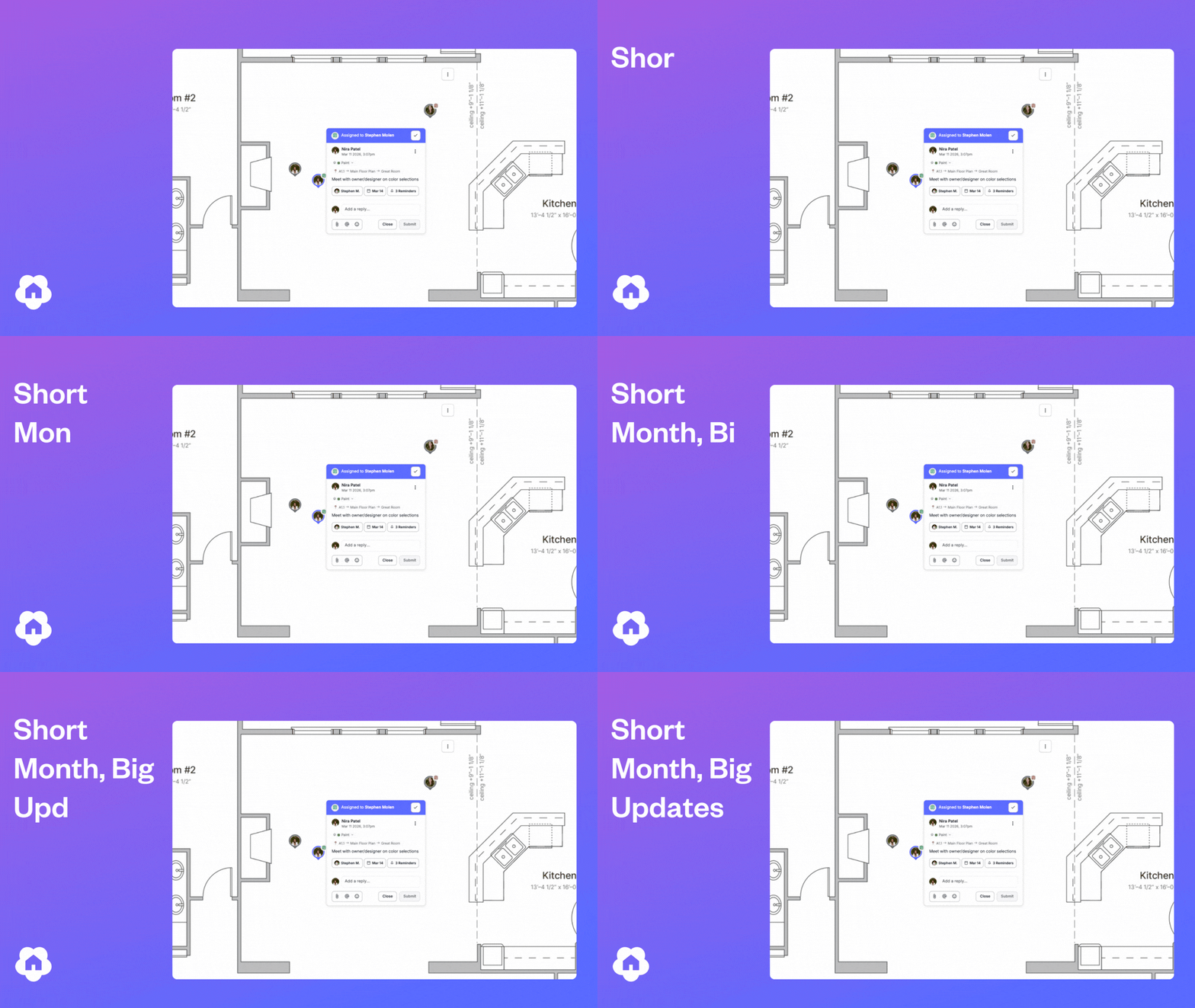
No brackets to fill out here, just a solid lineup of updates to make your workflow smoother. Spring is around the corner and your Digs workflow just got a whole lot better. Here's what's new this March.
🆕 New In Digs
Tasks: Reminders
Task Reminders are now live. Get notified when deadlines are approaching, missed, or changed— keeping your team aligned where it matters most. After giving Tasks a dedicated tab and adding Due Dates to bring structure to your workflow, Reminders are the piece that ties it all together.

Digs Warranty
Default Warranty Assignee
You can now set a Default Warranty Ticket Assignee in your Workspace settings to automatically route new tickets to the right person. This is especially helpful for smaller teams or accounts where one person handles most incoming warranty work. Tickets can still be reassigned at any time, so you keep the flexibility without the extra step.
Coming Soon: Procore Integration
Our v1 integration with Procore is currently under review for the Procore Marketplace. The initial release:
Seamlessly connects Procore projects to Digs, or creates a new Digs project if one doesn't exist yet.
Makes it easy to copy files from Procore to Digs, so you can start preparing for closeout and warranty at any stage of the build.
This is just the beginning— we'll be collecting live feedback to shape what comes next in v2. Help us help you, we thrive on feature requests.
🛠️ Small but Mighty Improvements
These updates may seem subtle, but they're all about making your day-to-day smoother, faster, and more intuitive.
Scheduling
One day's notice wasn't giving users enough time to stay on top of what's coming up on their timeline. Since Task Reminders introduced "2-week" alerts to keep teams aligned, we extended that same logic to Schedules, giving you more time before a stage's target date arrives.
Digs Warranty
New Classification: Closeout Punch List
By customer request, we've added a "Closeout Punch List" classification to help you track items that are technically done but held up by weather, parts, or other delays.
Admins can now Opt-In to Warranty
Admins are no longer automatically enrolled in the DigsCare Warranty Team. New Admins start with Warranty access off and can opt in when they need visibility into tickets or the dashboard.
Read the Support Doc →
Pro tip: Check your Workspace Users list and confirm which Admins still have Warranty Access enabled— and toggle it off for anyone who no longer needs it or doesn't want to receive notifications.
🐞 Bugs Squashed
We've tackled a few glitches to make your workflow more reliable:
Resending invitations not working consistently
Admins reported that resending user invites wasn't reliable— sometimes requiring multiple clicks before the resend link appeared. This has been fixed.Cannot remove warranty ticket assignee
Some users found it impossible to un-assign a warranty ticket in certain scenarios. We tracked down the edge cases and squashed the bug.Icons placed on documents are not able to be moved or changed
A consistent defect was causing icons and shapes to become uneditable after placement, freezing in place until the page was refreshed or a new annotation was added. Annotations can now be modified immediately after placing them.Copy and pasting annotations reversed their direction
When duplicating certain annotations, the pasted version would flip— arrows facing left would paste facing right. This has been resolved for all annotation types.
💡 Did You Know?
A few quick tips to help your team move faster and work smarter in Digs:
You can measure irregular spaces directly on a blueprint.
The Digs measurement tool goes beyond basic rectangles. With poly-line mode, you can trace any shape to get accurate area and perimeter measurements, even in rooms that aren't perfectly square.Comments and tasks can include images and attachments.
Add photos, reference files, or screenshots directly to a conversation so everyone has the full picture.Digs automatically links comments to the exact location on a document.
Clicking a comment jumps you straight to where the discussion started. If it's on a different document, it opens in a new tab so you don't lose your place.
🔗 Try It Now
👉 Log in to Digs and test out these updates in your next project.
👉 Got feedback? Send it our way— we're all ears.
Swish. See you in April.
— Team Digs